
Turning Off Notifications
Follow the written instructions below or watch this video to learn how to adjust your Pingdex notifications https://cloud.pingdex.app/HrnwTYg4
You can turn off or adjust your notifications from Pingdex in your profile settings.
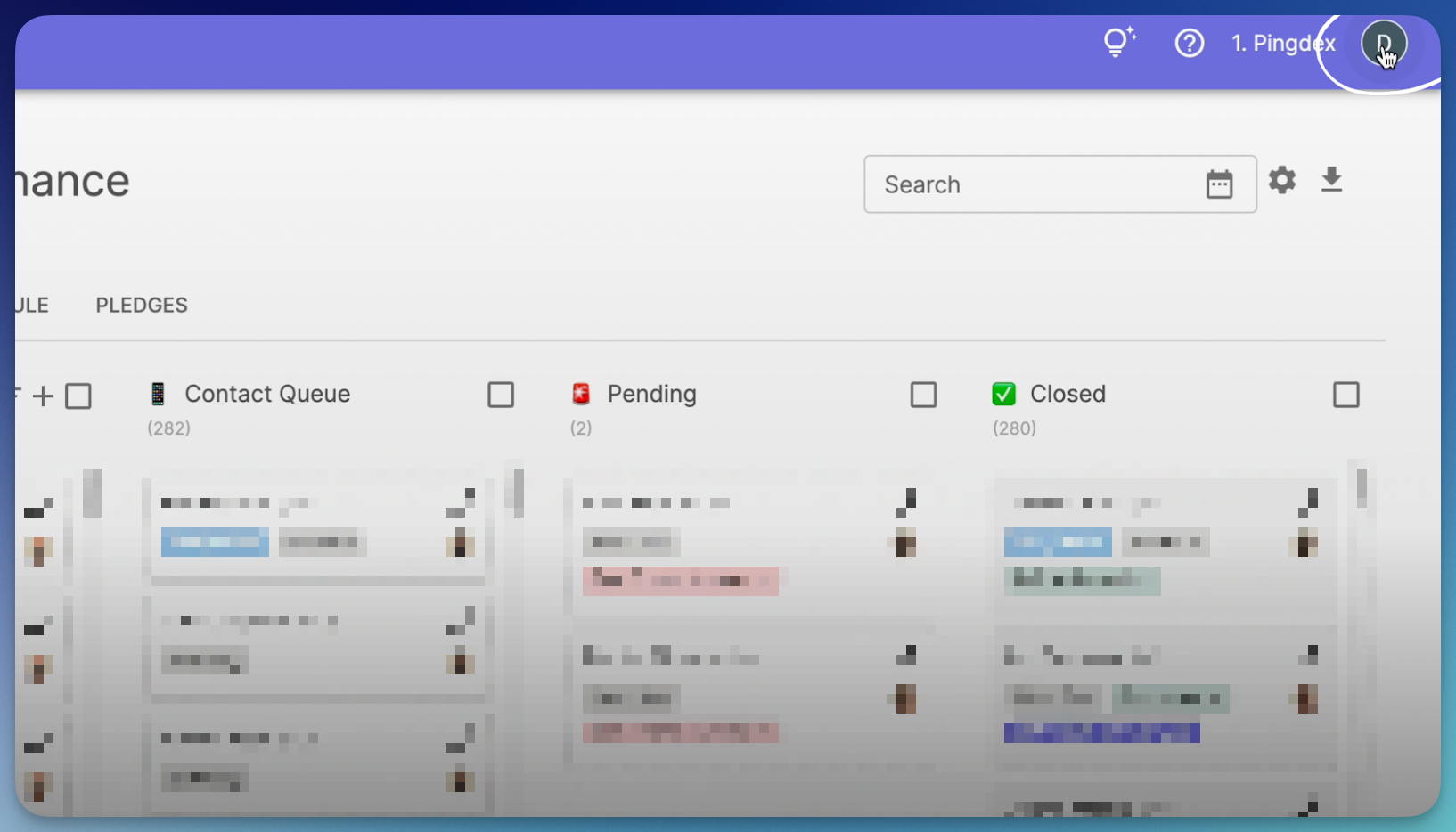
- Click on the icon with the first letter of your name, or your profile name, in the top right corner of your screen to access your profile settings.
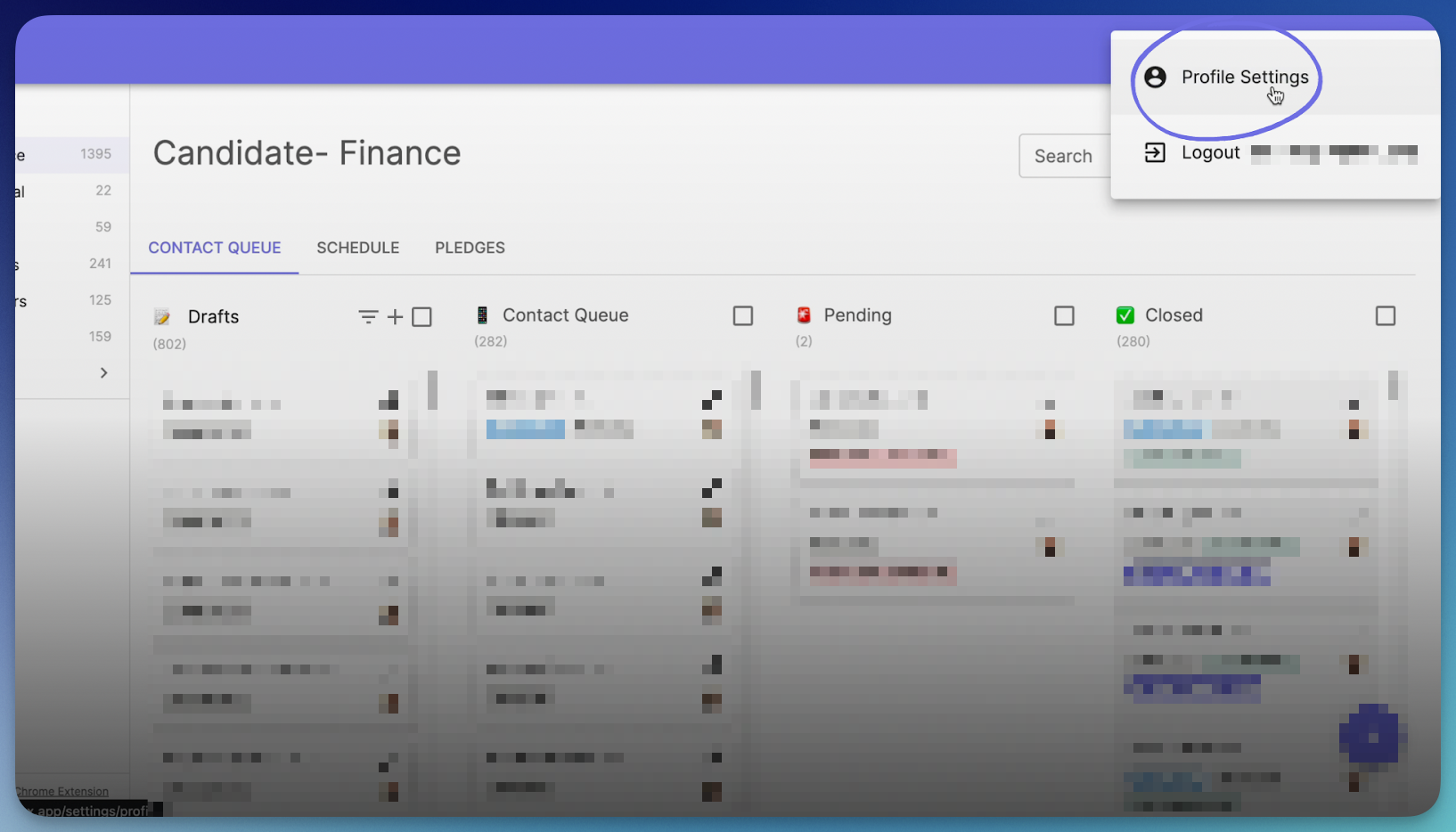
- Scroll to the bottom of your settings and you will see a set of options titled, “Notification Settings”.
- Choose which situations you want to receive alerts for and click the corresponding boxes.
